Everything needed to write about pfAdmin. Questions and review builds: info@d4vinder.com.
| Name | pfAdmin |
|---|---|
| What it is | A native iPhone and iPad client for administering pfSense firewalls over SSH |
| Status | Version 1.0, on the App Store since 13 August 2026 |
| Price | £3.99, bought once; no subscription and no in-app purchases |
| App Store | apps.apple.com/gb/app/pfadmin/id6786256825 |
| Platform | iOS and iPadOS 17.6 or later |
| Requirements | A pfSense firewall with SSH enabled and root access |
| Developer | d4, the independent software studio of Davinder Singh, England |
| Privacy | No analytics, no tracking, no third-party SDKs; credentials only in the iOS Keychain |
| Website | https://www.d4vinder.com/pfAdmin/ |
One line. pfAdmin puts a pfSense firewall on your iPhone: monitor, control and analyse it over SSH, with nothing installed on the firewall and nothing passing through a cloud.
Short paragraph. pfAdmin is a native iOS client for pfSense administration. It offers live dashboards, full firewall rule editing with staged apply, NAT, VPN status, backups and configuration history with line-by-line diffs, a built-in Wireshark-style packet analyser, and scheduled Network Health reports (speedtests run from the firewall and LAN device history, exportable as PDF), all over a host-key-pinned SSH connection. Credentials stay in the device Keychain; there is no cloud service, no account and no analytics. A built-in Demo Mode shows every screen with sample data. It is built in England by d4, a one-person studio.
App icon: pfAdmin-Logo.png (1024 px). Social card: og-image.png (1200 by 630).
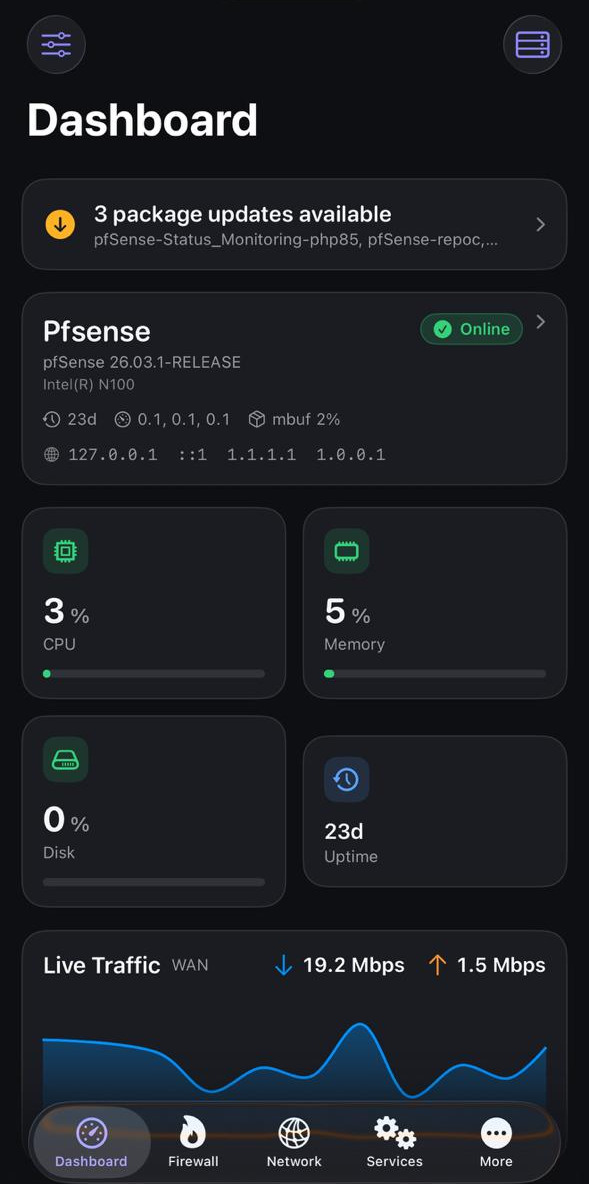
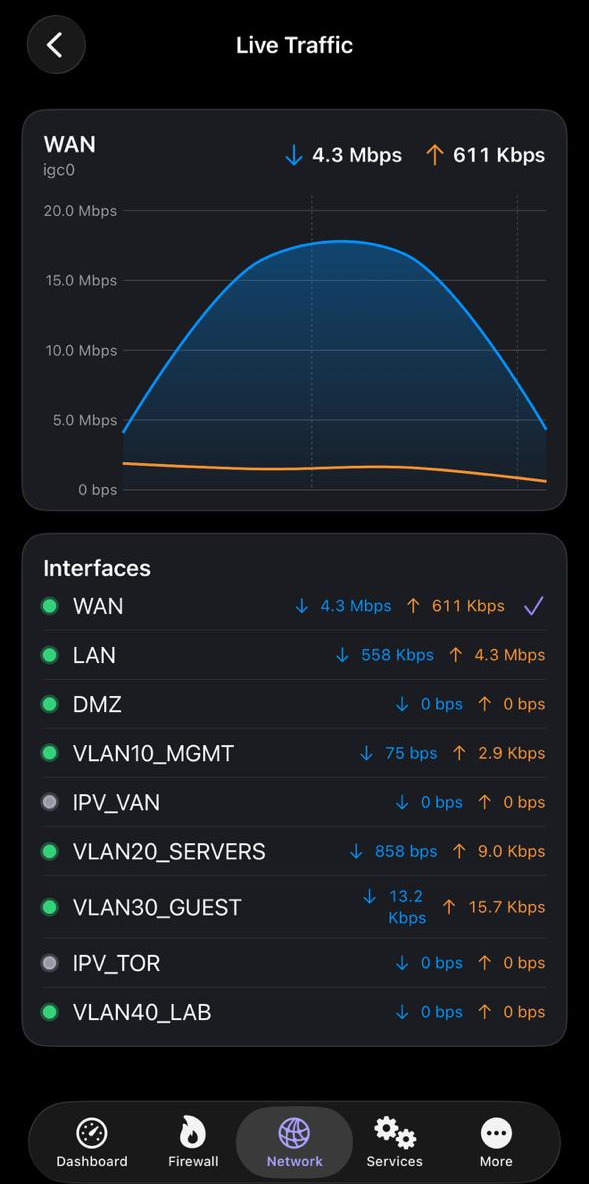
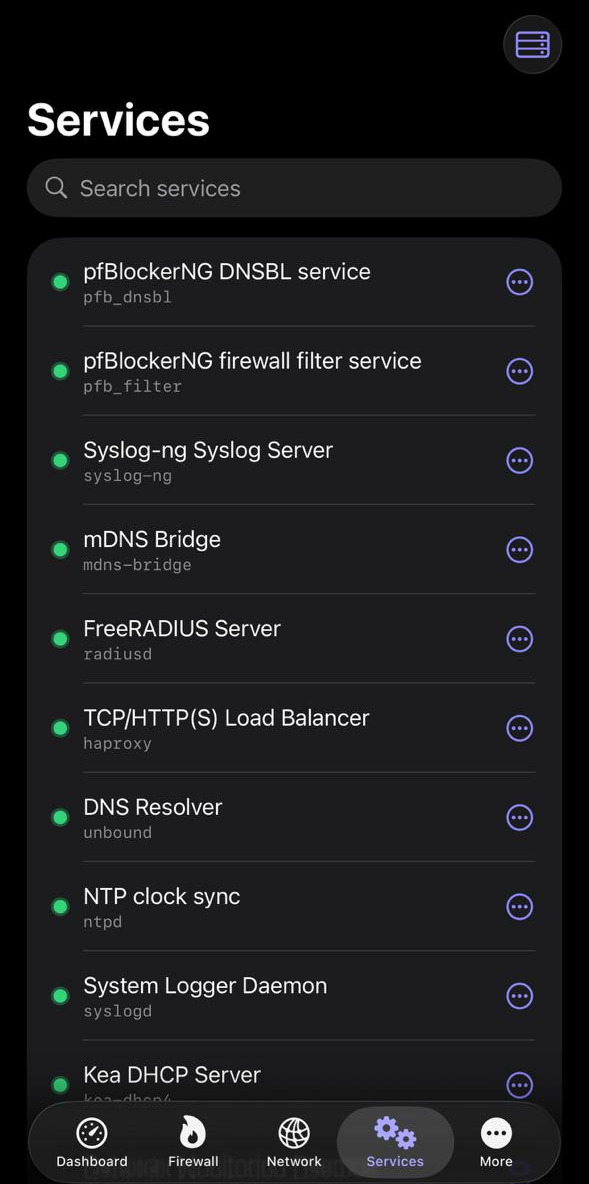
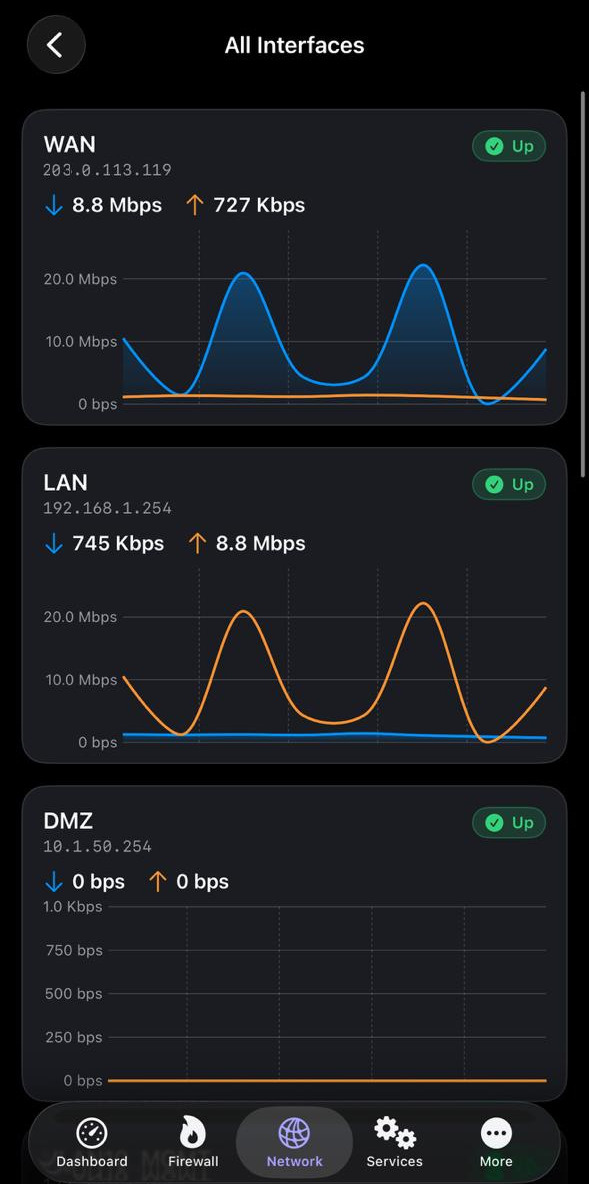
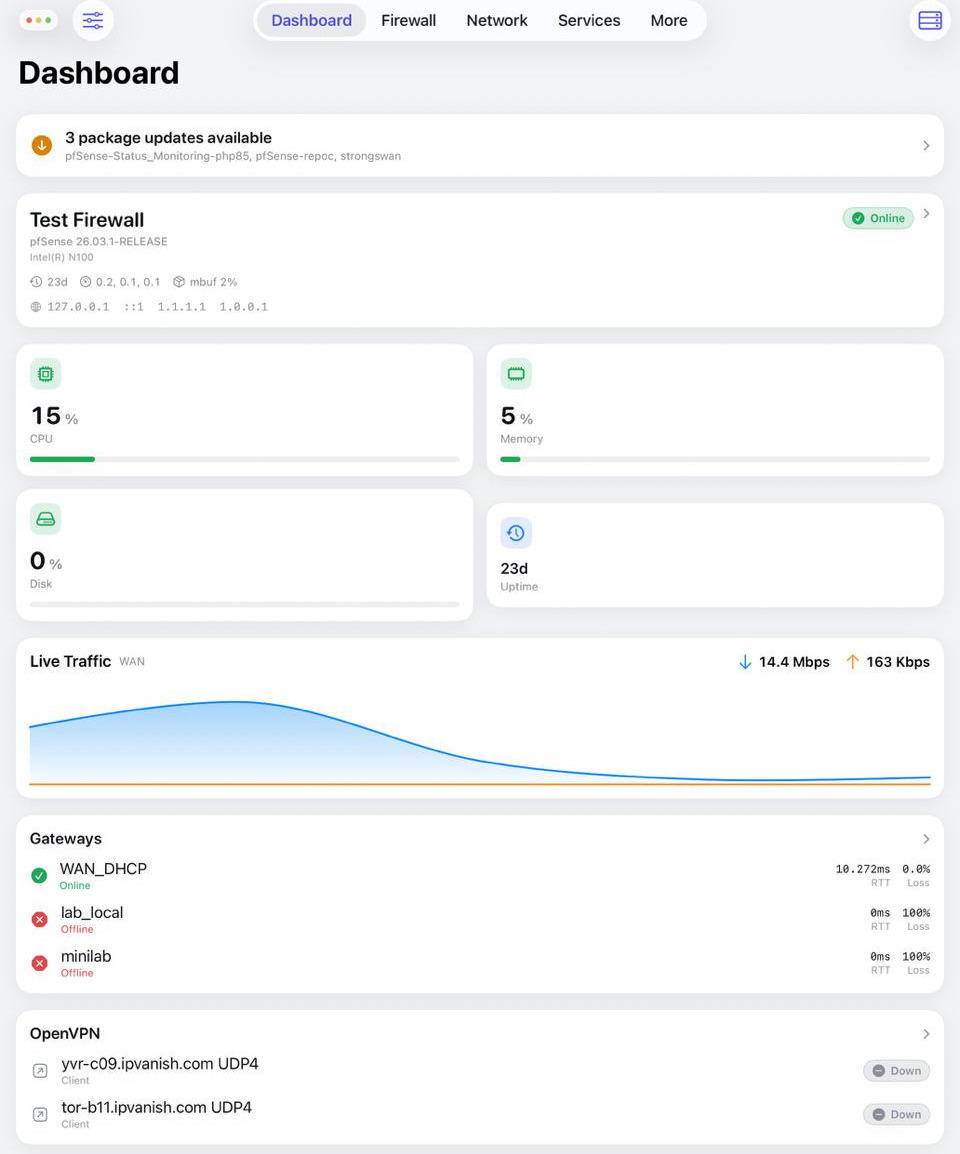
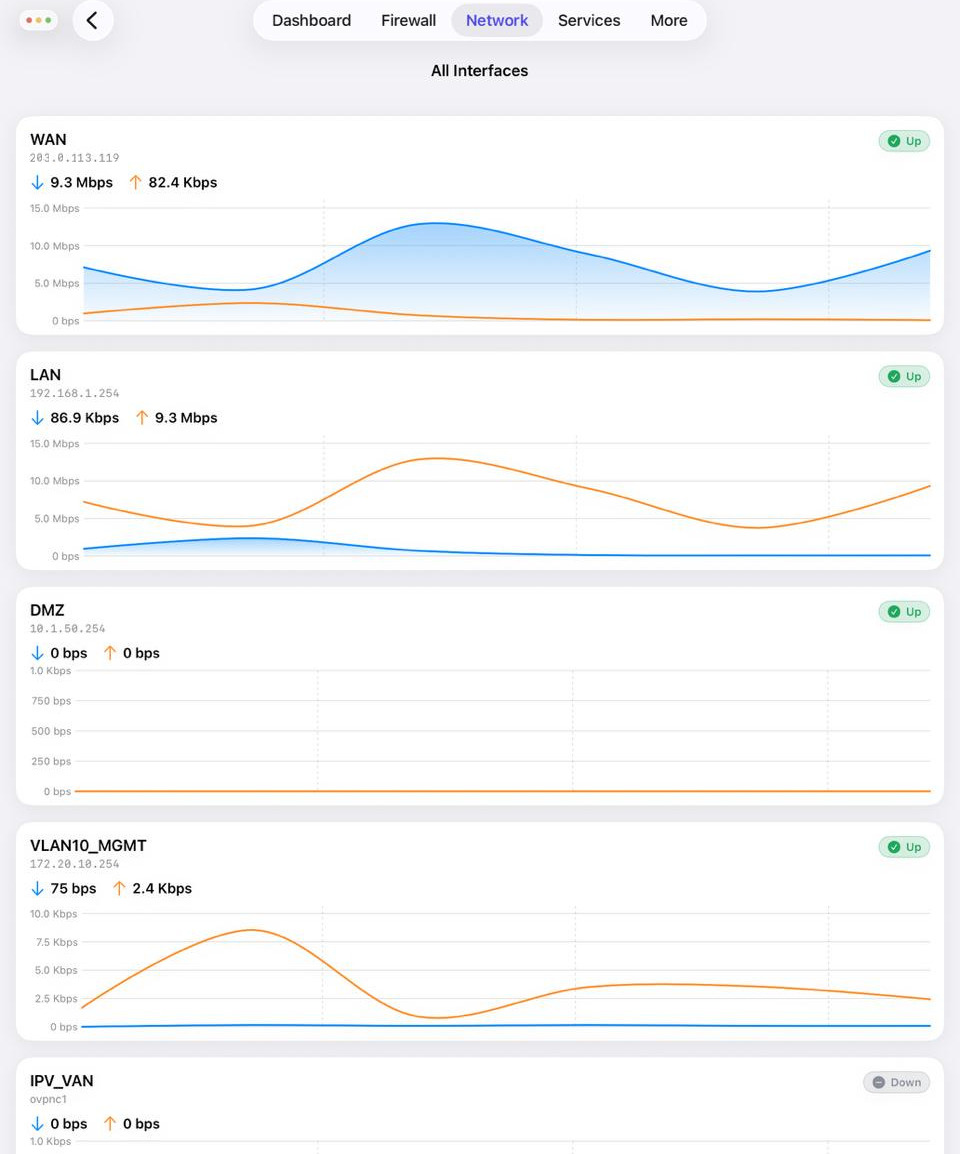
Screenshots (straight from the app, free to use in coverage): iPhone dashboard, iPhone live traffic, iPhone services, iPhone interfaces, iPad dashboard, iPad interfaces. More appear on the home page.