pfAdmin
Monitor, control and analyse it over a secure SSH connection. Nothing is installed on the firewall, and nothing goes through a cloud service. Just your phone, your firewall, and the work in between.
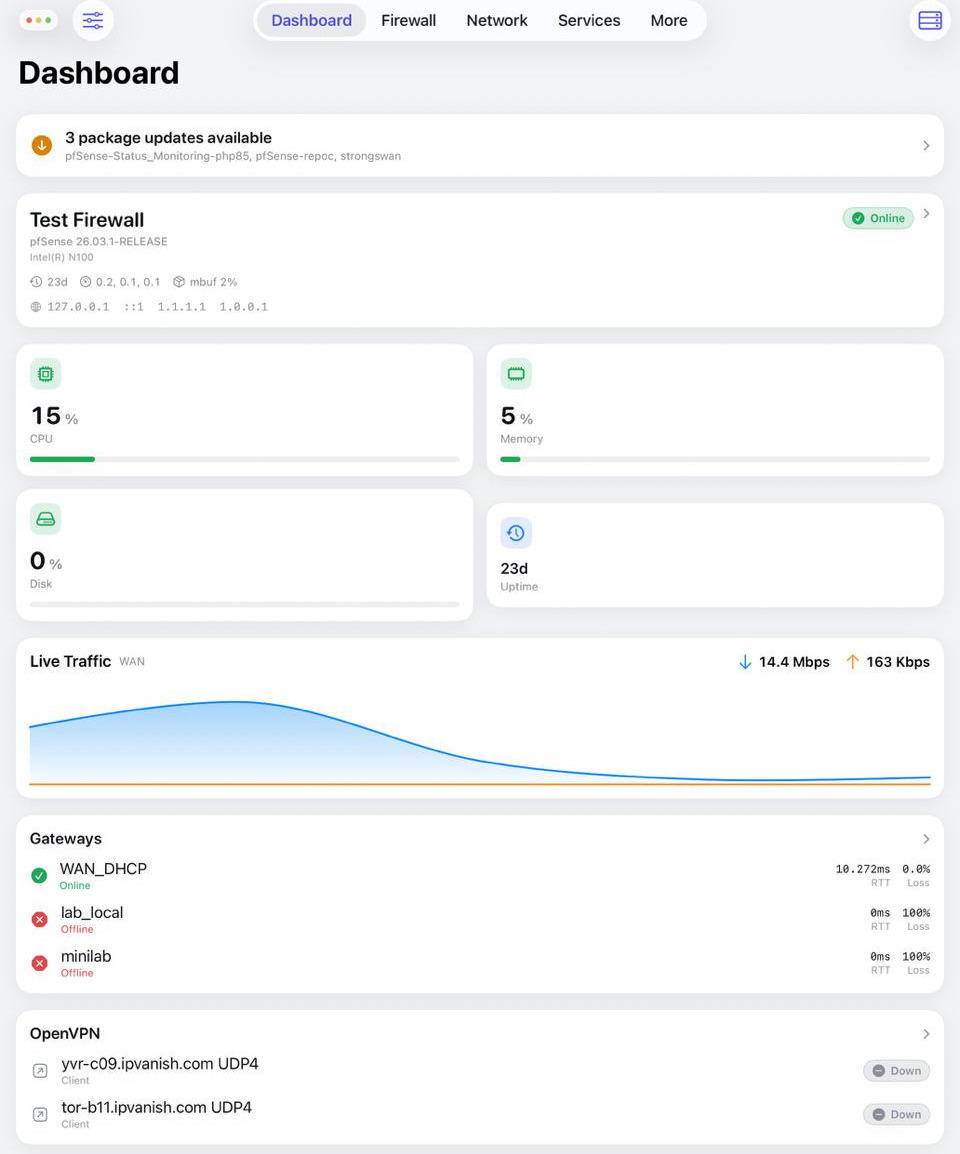
The pfSense screens you actually use, rebuilt properly for a phone. Three things carry the app.
CPU, memory, temperature, traffic graphs, gateways, DHCP leases, states and real-time logs. Pull to refresh, tap a card to drill in.
Rules, aliases, NAT, virtual IPs, schedules and the state table, with drag-to-reorder and staged apply, exactly like the web UI. Block a noisy host from the logs in seconds.
Capture on the firewall and inspect it in a Wireshark-style three-pane view, with display filters, follow-the-stream and plain-language explanations. No desktop needed.
Scheduled speedtests run from the firewall and a live LAN device count, with on-device history, charts, alerts and exportable PDF reports. Something pfSense itself does not have.
Interfaces, gateways, routing, DNS overrides, DHCP and service start, stop and restart.
Top blocked domains, block lists with counts, and temporary per-address unblock with a swipe.
Download, encrypt and restore configuration, and review revisions with a line-by-line diff before you roll back.
Notifications for updates, outages, expiring certificates, CPU, memory and temperature thresholds, new devices and config changes, plus Home Screen widgets.
Firewall status, gateway status, block an IP, restart a service, reload the filter or reboot, from Siri, the Action Button or Control Centre.
Read-only monitoring of your OpenVPN, IPsec and WireGuard tunnels with live status and diagnostics.
A full built-in demo populates every screen with realistic sample data. Try the whole app before you connect a firewall.
Straight from the app. Light and dark, phone and tablet.
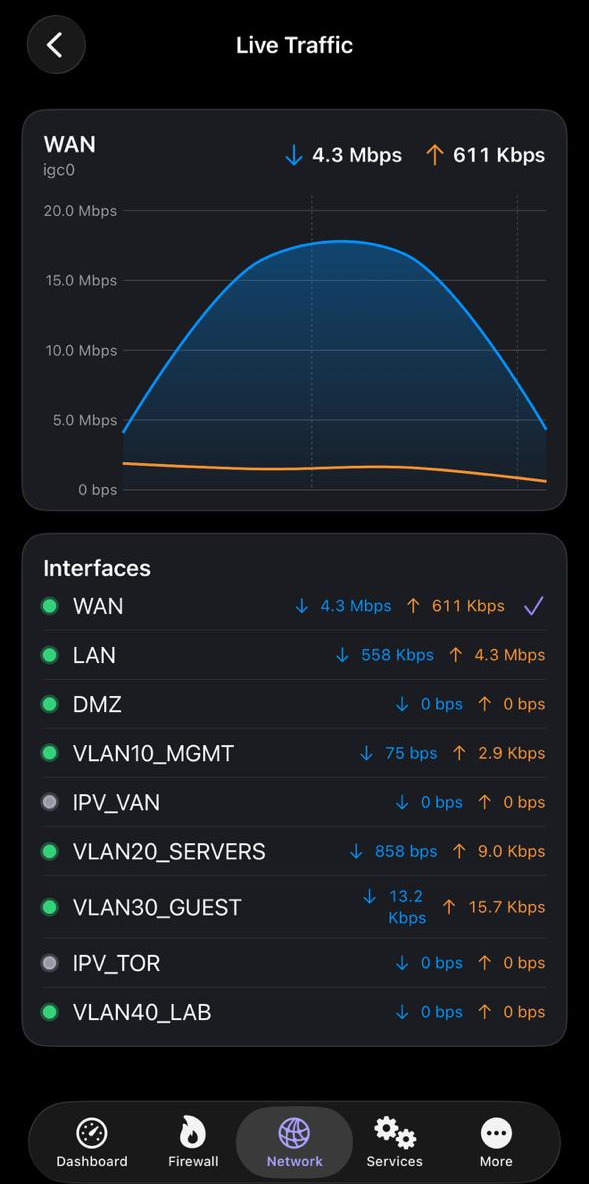
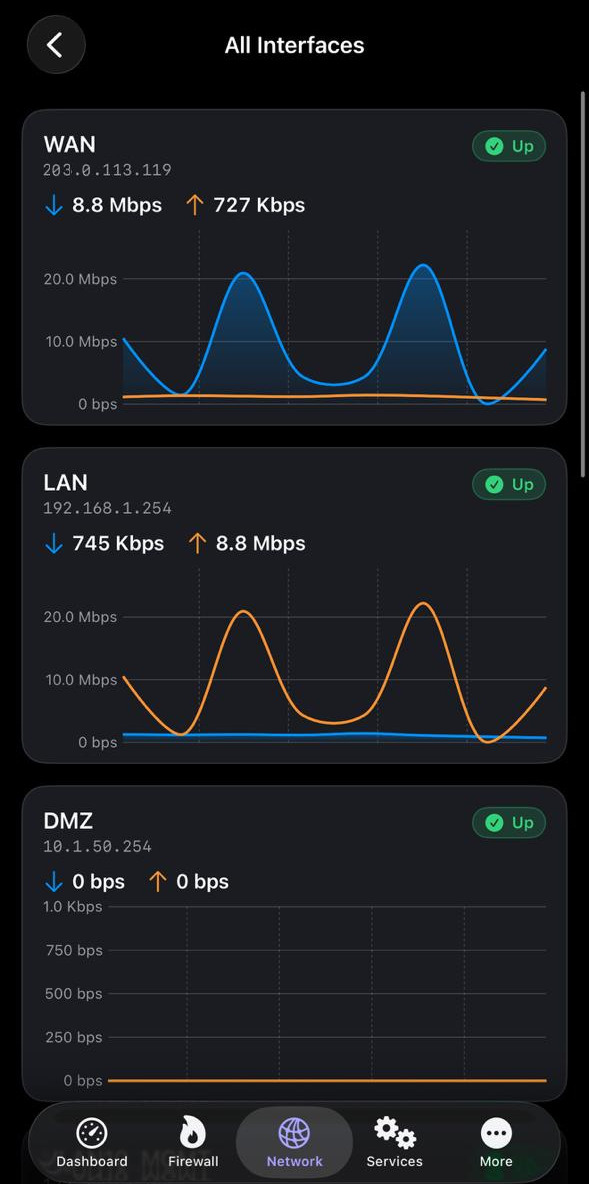
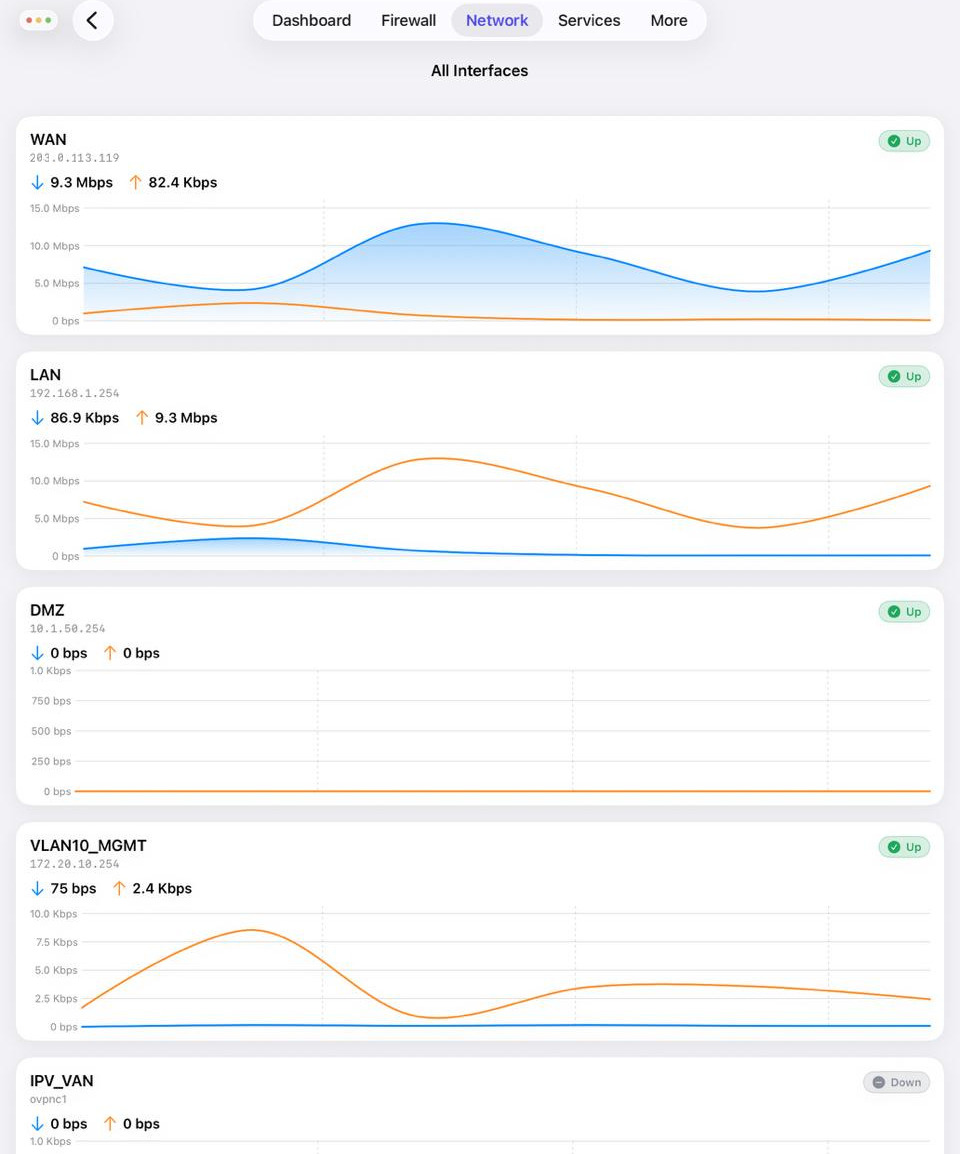
Per-interface throughput as it happens, every interface at once, and history straight from the firewall's own RRD data. If something saturates the WAN, you will see it from the sofa.
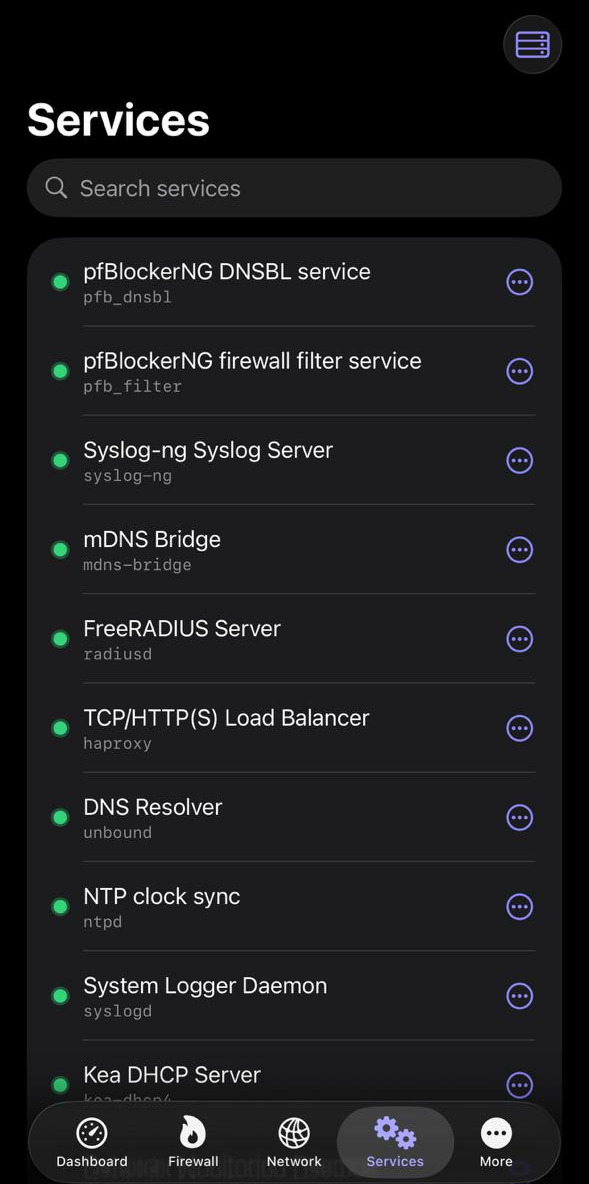
pfBlockerNG, HAProxy, FreeRADIUS, the DNS Resolver and the rest, each with start, stop and restart. No expedition through the web UI required.
WAN, LAN, DMZ and every VLAN with live charts side by side. The app follows your appearance setting, so it is as comfortable at 2am as it is at your desk.
If you can reach your firewall over SSH, you are minutes away.
System, Advanced, Admin Access, tick Enable Secure Shell and save. Full steps in the guide.
Name, host, port and credentials. pfAdmin can generate and install an SSH key for you. How to add a server.
Check the fingerprint once and pfAdmin pins it. If it ever changes, the app refuses to connect and tells you. Why this matters.
Away from home? Do not expose SSH to the internet. Connect to your firewall's own VPN first and reach SSH across the tunnel.
04 · Private by design
Your firewall talks to your phone. No one else is in the conversation.
05 · Get pfAdmin
You need a pfSense firewall with SSH enabled and root access, and an iPhone or iPad on iOS 17.6 or later. That is the whole list. Not sure yet? Demo Mode lets you explore every screen without a firewall.
One email when pfAdmin clears review, nothing else. See what 1.0 contains.